httpリクエストのみでデータを扱う HTTPHUB
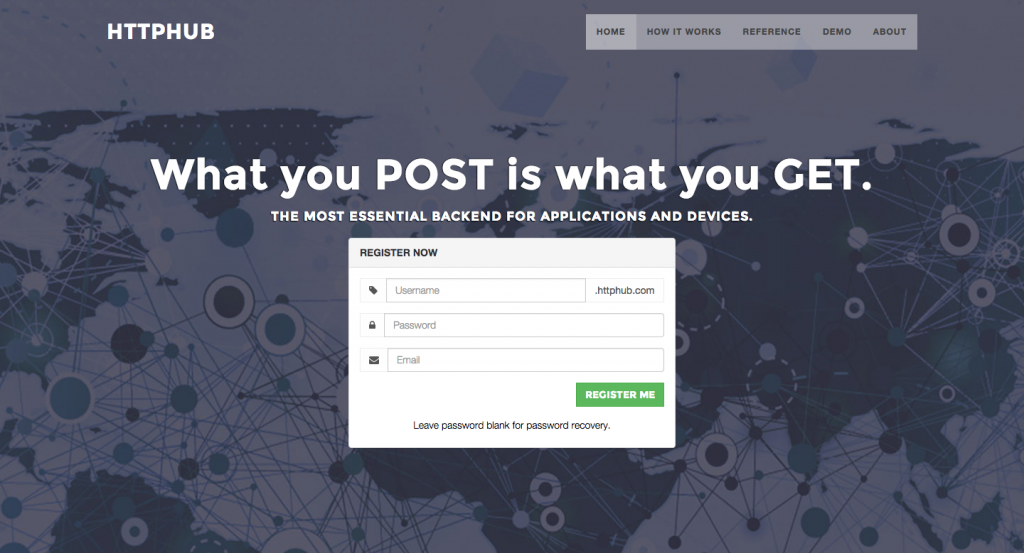
Httphub – What you POST is what you GET
HTTPリクエストを使ってアカウントの管理や情報の更新、取得などができるサービスです。
ちょっと使ってみました。
最初にアカウントを作成してから使います。
今回は用意されてたデモを触ってみました。
デモのユーザー名、パスワードはサイトのDEMOの箇所に記載されてます。
https://demo.httphub.com/
でアクセスすると、
{
		"username":"demo",
		"email":"demo@example.com",
		"ip_address":"0.0.0.0",
		"accept_signups":"t",
		"max_post_size":"3145728",
		"max_disk_quota":"104857600",
		"max_resources":"1000000",
		"max_sec_users":"10000",
		"created_on":"2015-01-06 19:16:40.842431",
		"current_disk_quota":"44",
		"current_resources":"4"
	}
といった得録ユーザーデータが返ってきます。
https://demo.httphub.com/users/
では
[
		{
			"username":"sample",
			"email":"sample@example.com",
			"enabled":"t",
			"allow_listing":"f",
			"ip_address":"0.0.0.0",
			"max_post_size":"500",
			"max_disk_quota":"5000",
			"max_resources":"10",
			"created_on":"2015-01-13 20:10:59.851709",
			"current_disk_quota":"14",
			"current_resources":"1"
		},
		{
			"username":"mark",
			"email":"jane@example.com",
			"enabled":"t",
			"allow_listing":"f",
			"ip_address":"0.0.0.0",
			"max_post_size":"0",
			"max_disk_quota":"0",
			"max_resources":"0",
			"created_on":"2015-01-13 21:48:08.598226",
			"current_disk_quota":"0",
			"current_resources":"0"
		}
	]
のように作成したuser一覧の情報が返ってきます。
https://demo.httphub.com/users/sample/
では
[{
		"username":"sample",
		"email":"sample@example.com",
		"enabled":"t",
		"allow_listing":"f",
		"ip_address":"0.0.0.0",
		"max_post_size":"500",
		"max_disk_quota":"5000",
		"max_resources":"10",
		"created_on":"2015-01-13 20:10:59.851709",
		"current_disk_quota":"14",
		"current_resources":"1"
	}]
のように個別ユーザーのデータが返ってきます。
ユーザーの登録とか更新はPOSTで行えます。
その他プライベート、シェアフォルダなどのも作成できます。
HTTPリクエストのみでデータを扱うというのは面白いですね。
この辺りはまだ知識不足なので勉強しなとなと思います。





Comment
コメント(0)
コメントはまだありません。
コメントする
Trackback(0)